
If you manage ACA filings for more than one business, CheckMark Online 1095 makes it easy to add additional companies under the same account. Each company maintains its own subscription, employer information, employee records, and filing data, allowing you to manage multiple organizations independently.
Adding an Additional Company
Each additional company costs $99 and includes support for an unlimited number of employees.
Plan Information: If your first company is subscribed to the E-File version, any additional companies added to your account must also use the E-File version. The subscription fee for each additional company is $99.
To Add a New Company
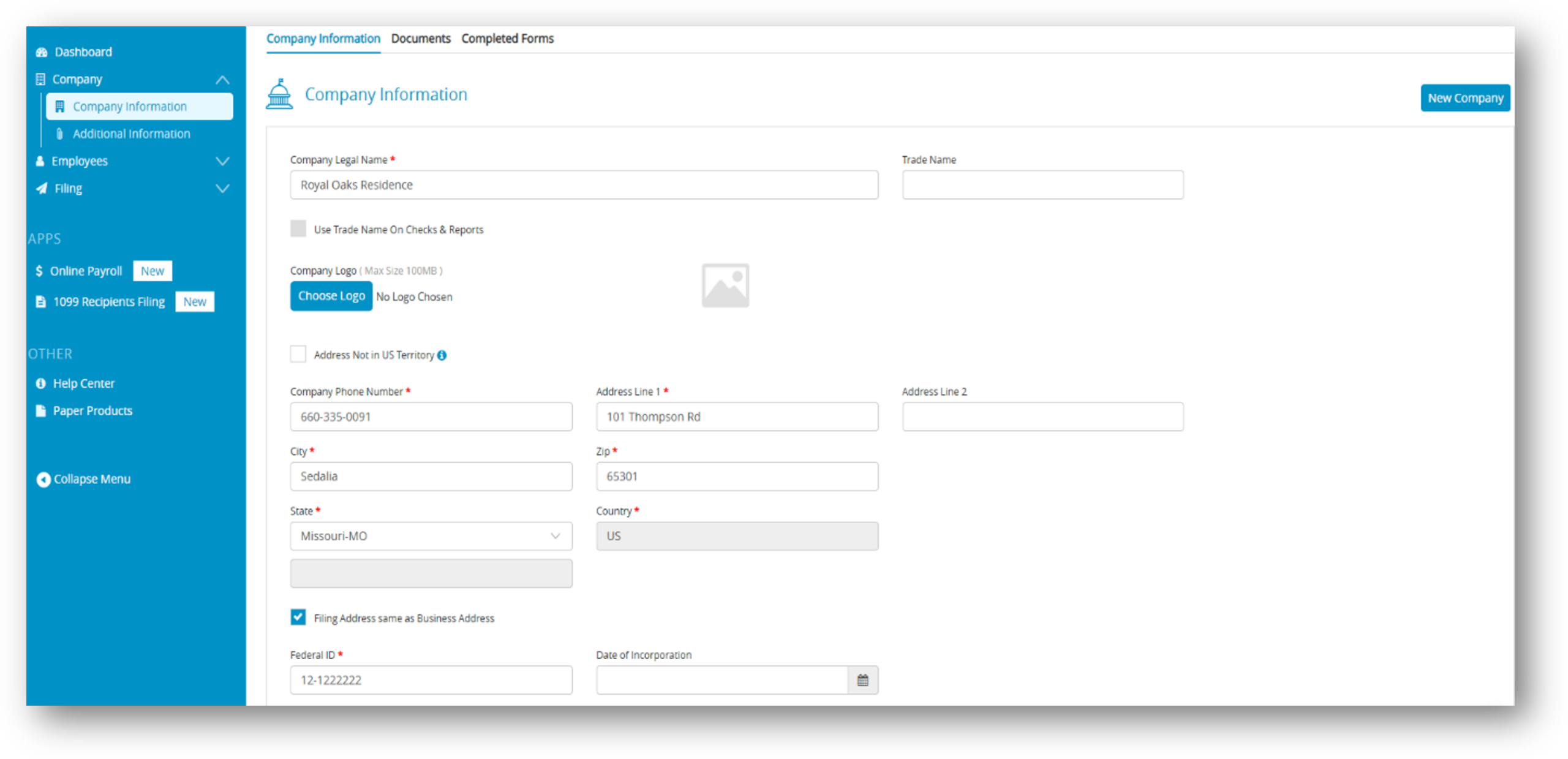
- From the navigation menu, select Company > Company Information.
- Click New Company.
- Enter the company’s Legal Name. If applicable, enter the Trade Name.
- Select the 1095 subscription option.
- Click Add New Company to continue. You will be directed to the Plan Selection page to review your subscription.
- Before completing your purchase:
- Verify the subscription details and pricing.
- Click Proceed to continue.
- Your saved billing information is displayed automatically. Use the existing payment method, or add a different payment method if needed.
- When you are ready, click Make Payment.
Important: Payment processing may take a few moments. During this time, do not refresh the page, use your browser’s Back button, or close the browser window.
- After your payment has been approved:
- The new company is added to your account.
- The company’s subscription is activated immediately.
- A confirmation email and payment receipt are sent to your registered email address.
You can now select the new company and begin entering employer and employee information for ACA reporting.
Related Links: