

Financial Snapshot Report
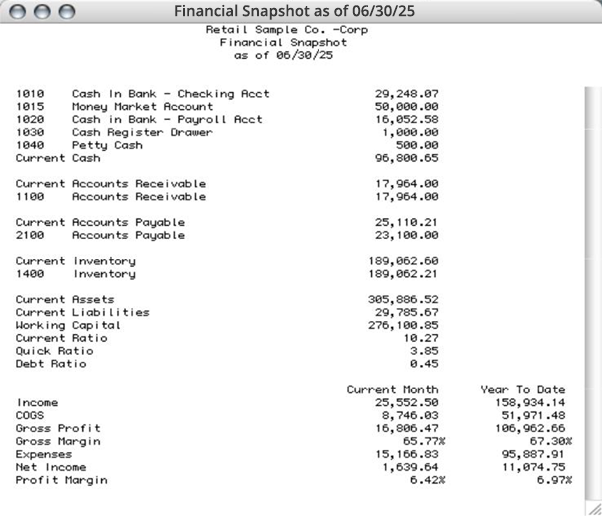
A Financial Snapshot report shows a summary of your business’s current cash, receivables, payables, inventory and several financial ratios as of the date of the last entry.
- Click Financial Snapshot in the Command Center.
- Click the dropdown list and select View, Print, or Text File to view, print, or export the report in Text file format.
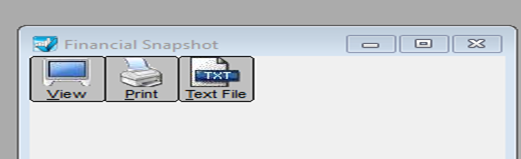
Note: In 32-bit applications, the View, Print, and Text Files buttons are available directly on the screen.
Snapshot — Report Example:
Related Articles
How to Create Chart of Accounts Report
How to Create Trial Balance Report
How to Create Transaction Journals Reports
How to Create General Ledger Report
How to Create Balance Sheet Report
How to Create Income Statement Report
How to Create Cash Flow Reports
How to Create Sales Tax Reports